
Get Paid for EV Charging on Your Own Car Charger
Connect the OCPP car charger you already have to Pay Box Timers. No extra box to install. Guests pay from their prepaid balance in the Pay Box Timers app, the charger starts, and any unused time is refunded when the car is full or unplugged.
Three Steps to Paid Charging
Sign Up
Create a Pay Box Timers owner account with your Google (Gmail) sign-in.
Connect
In the charger's app or installer tool, set the OCPP server to wss://payboxtimers.com/charger/ followed by your Gmail name, and keep its own charger ID. No password. Its timer appears in your dashboard on the first connection.
Guests Pay
Guests pick your charger in the Pay Box Timers app and pay from prepaid balance. Charging stops when time runs out, the car is full, or they press Stop.
Supported Chargers in North America
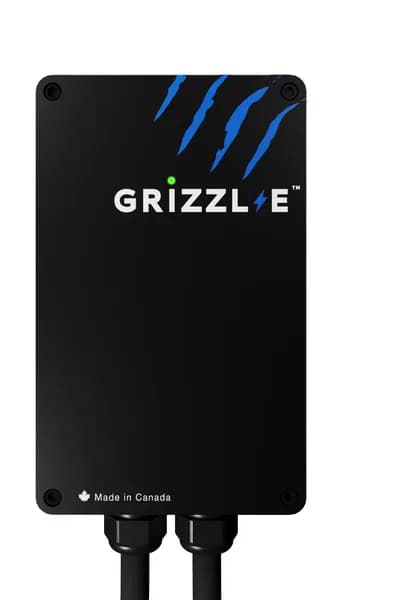
Grizzl-E
Configurable via app or local interface. One of the most commonly cited North American units with open OCPP.
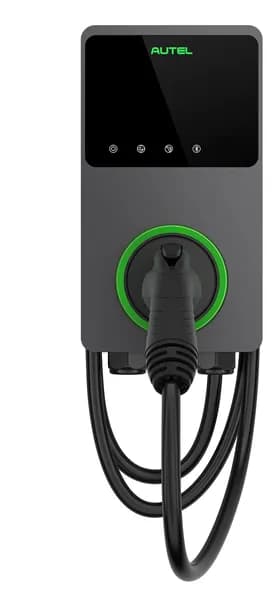
Autel MaxiCharger
OCPP URL set in the Autel Config / Autel Charge app under "OCPP Server" → Custom.
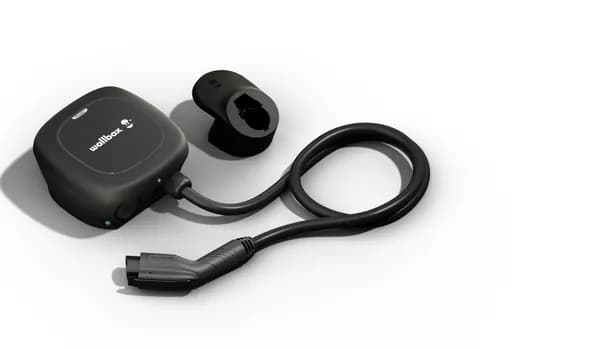
Wallbox Pulsar
Configurable via the Wallbox app (External Management / OCPP).
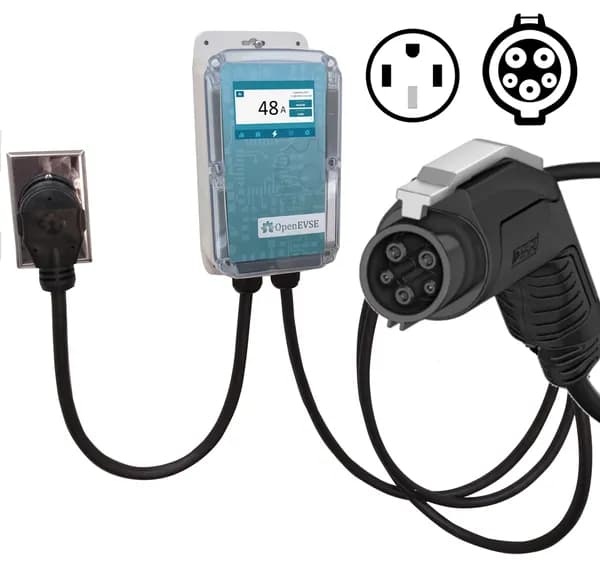
OpenEVSE
Open-source; full OCPP configuration available.
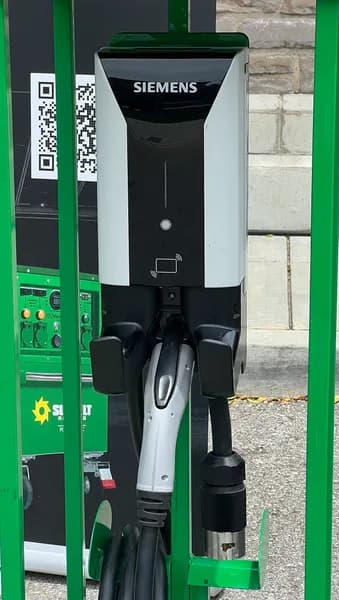
Siemens VersiCharge
Owner can switch networking partner; not all versions are fully open.
Photo: TaurusEmerald, CC BY-SA 4.0, via Wikimedia Commons
Supported Chargers in Europe & Worldwide
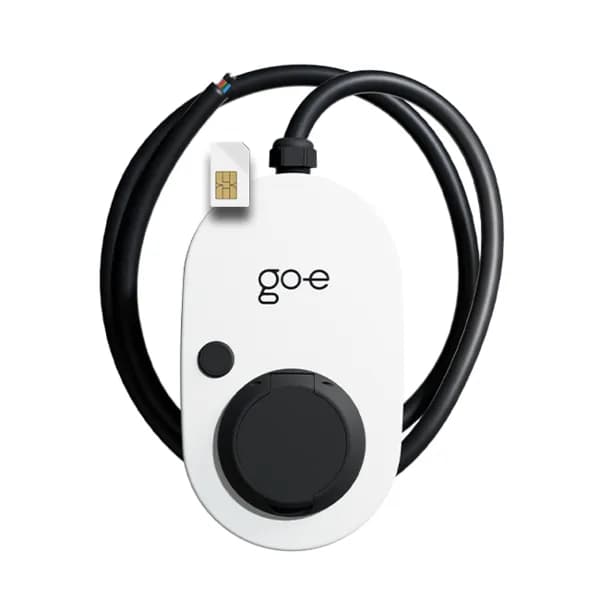
go-e Charger
Direct OCPP in the go-e app (Settings → Connection → OCPP). Works even with the go-e cloud disabled.
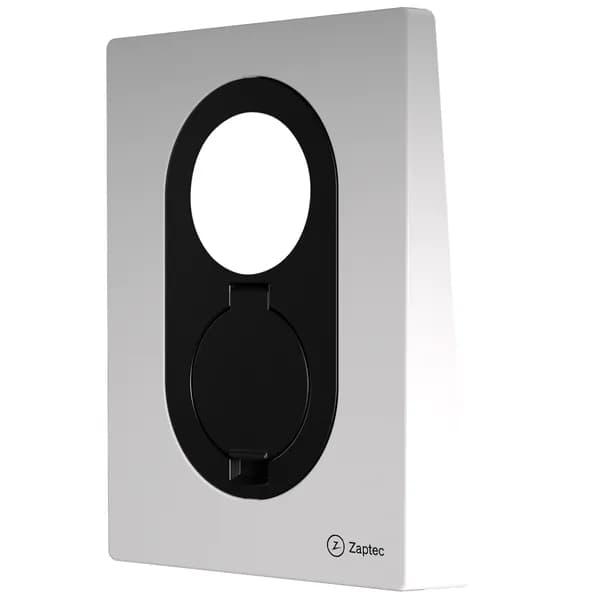
Zaptec
Supports both cloud-to-cloud and native/direct OCPP; the URL can be set.
Wallbox Pulsar
Same as above. Widely used in Europe.
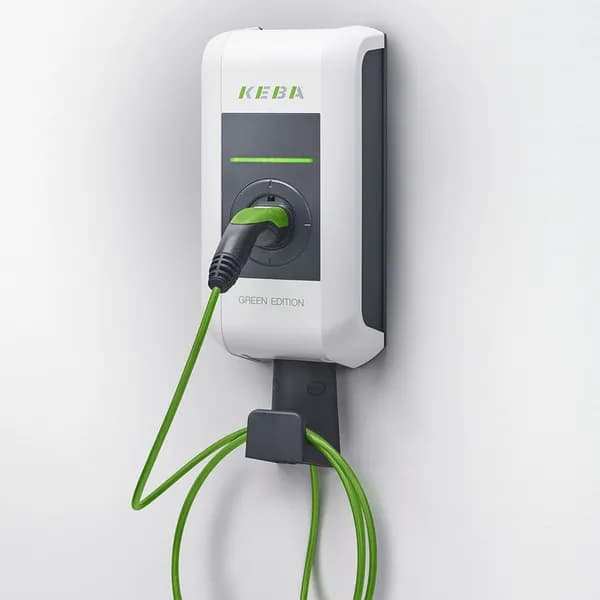
KEBA KeContact
Configurable; widely deployed.
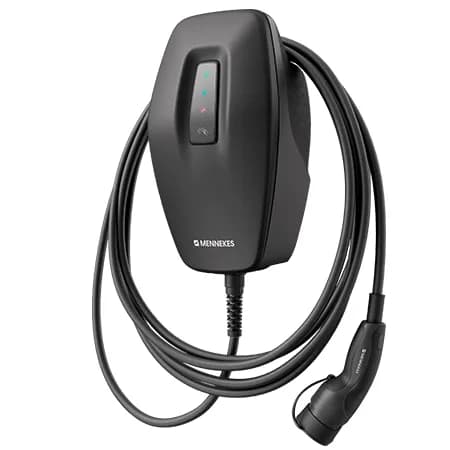
Mennekes AMTRON
OCPP configurable (often needs micro-USB or the installer tool).
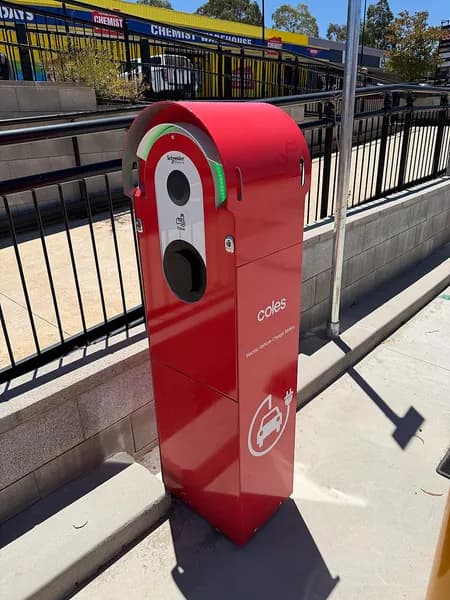
Schneider EVlink
Configurable (sometimes requires Ethernet for setup).
Photo: Bidgee, CC BY-SA 3.0 AU, via Wikimedia Commons
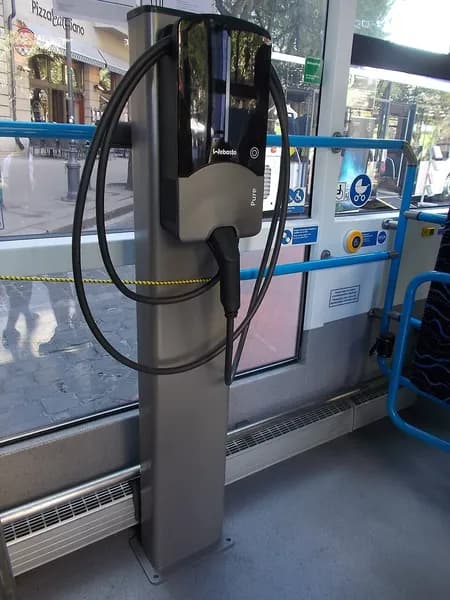
Webasto / Ampure
OCPP 1.6 supported (setup methods vary).
Photo: Globetrotter19, CC BY-SA 3.0, via Wikimedia Commons
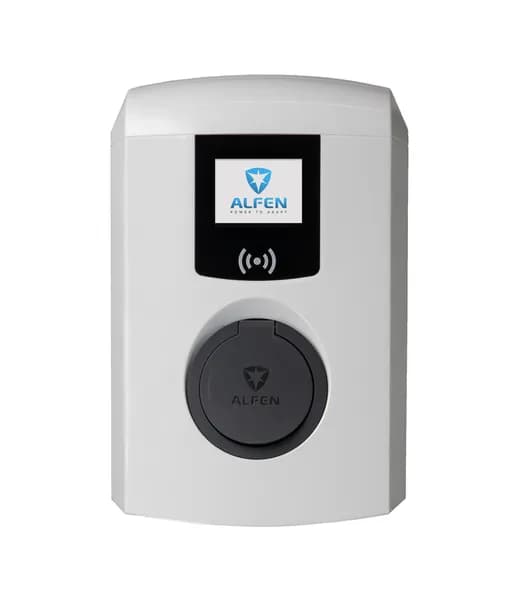
Alfen Eve
Configurable via the Alfen ACE Service Installer.
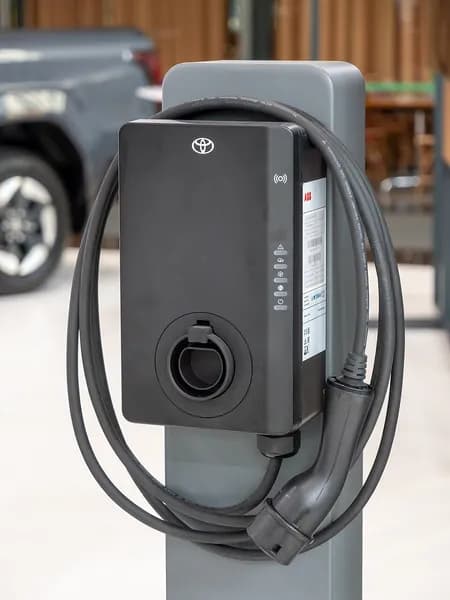
ABB Terra AC
Configurable via the Terra config app.
Photo: Matti Blume, CC BY-SA 4.0, via Wikimedia Commons
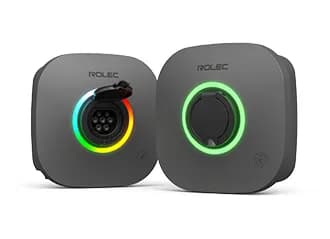
Rolec EVO
Supports OCPP 1.6J; used in the UK.
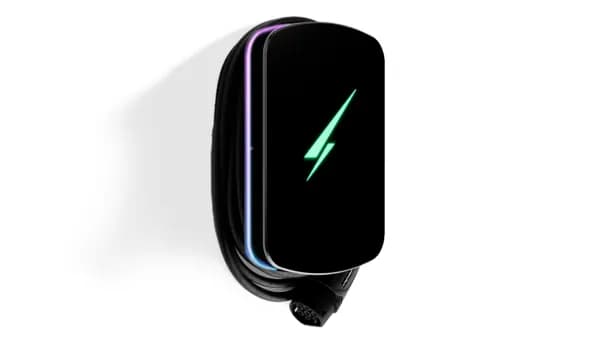
Hypervolt
OCPP available when configured during installation.
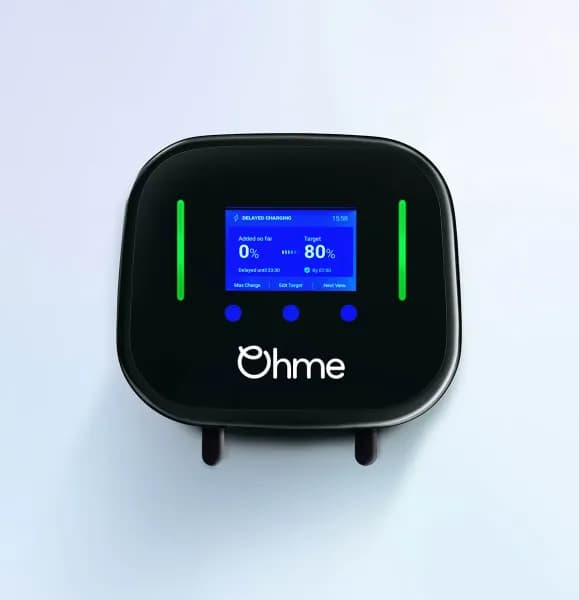
Ohme
OCPP 1.6J available for direct integration.
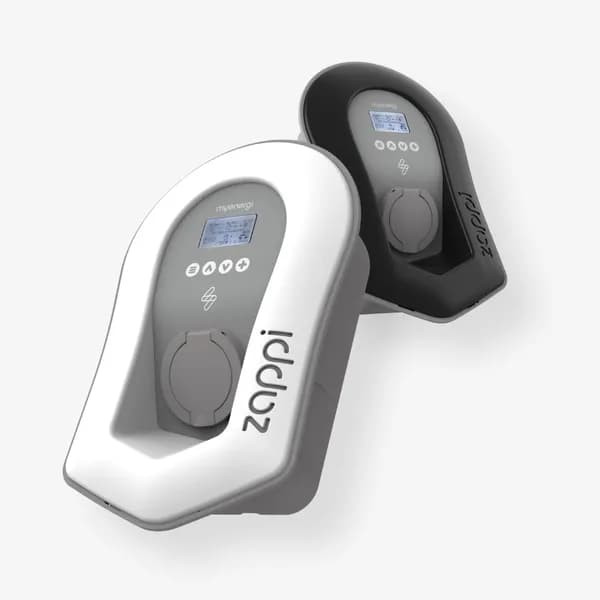
myenergi Zappi
OCPP supported (often cloud-to-cloud; Backend URI configurable).
Charger Not on the List?
Most chargers that let you set a custom OCPP server will work. Tell us the make and model and we will check it for you.
Contact Us