
How to Set Dip Switch on Coin Acceptor
Configure your coin acceptor settings for optimal operation
dip switch 1 - position down
dip switch 2 - position down
dip switch 3 - position up
Dip Switch 1 - Coin Accuracy Comparison
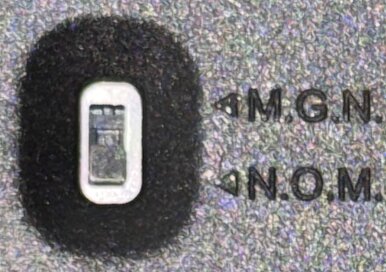
Accuracy Options:
M.G.N - means precise accuracy comparison
N.O.M - means normal accuracy comparison
The coin acceptor compare the target coin to the coin being inserted into the front of the machine. The comparison is based on material composition, coin diameter and coin thickness.
Dip Switch 2 - Pulse Signal Duration
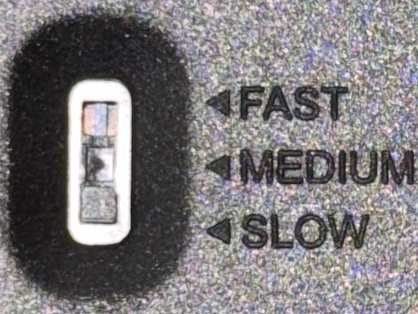
Signal Speed Options:
Fast - means fast signal to coin timer rate
Medium - means medium signal to coin timer rate
Slow - means slow signal to coin timer rate
The coin acceptor takes a signal from the coin acceptor. The voltage signal travels down the white wire to the digital timer. The fast, medium and slow settings determine the duration of the in milliseconds the signal is active on the white wire.
✓ Over the course of many years with testing and customer feedback we find that have the pulse duration at medium works the best.
Dip Switch 3 - Normal Open - N.O.
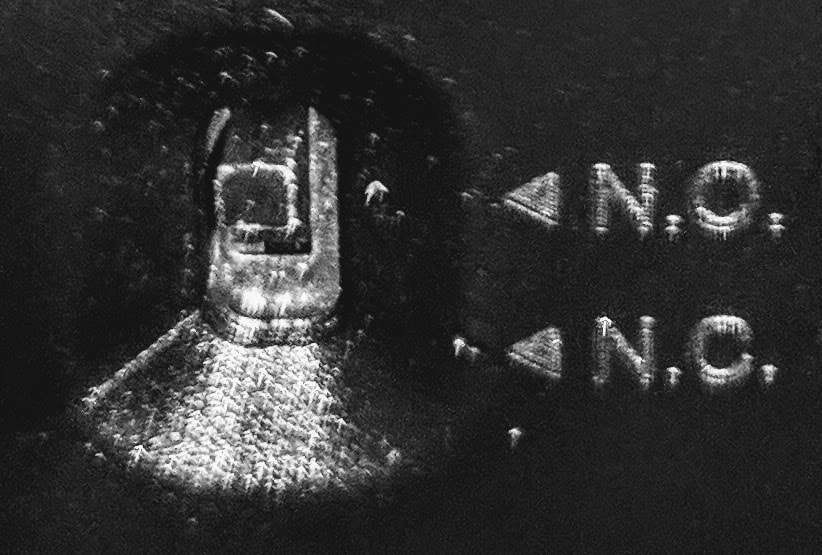
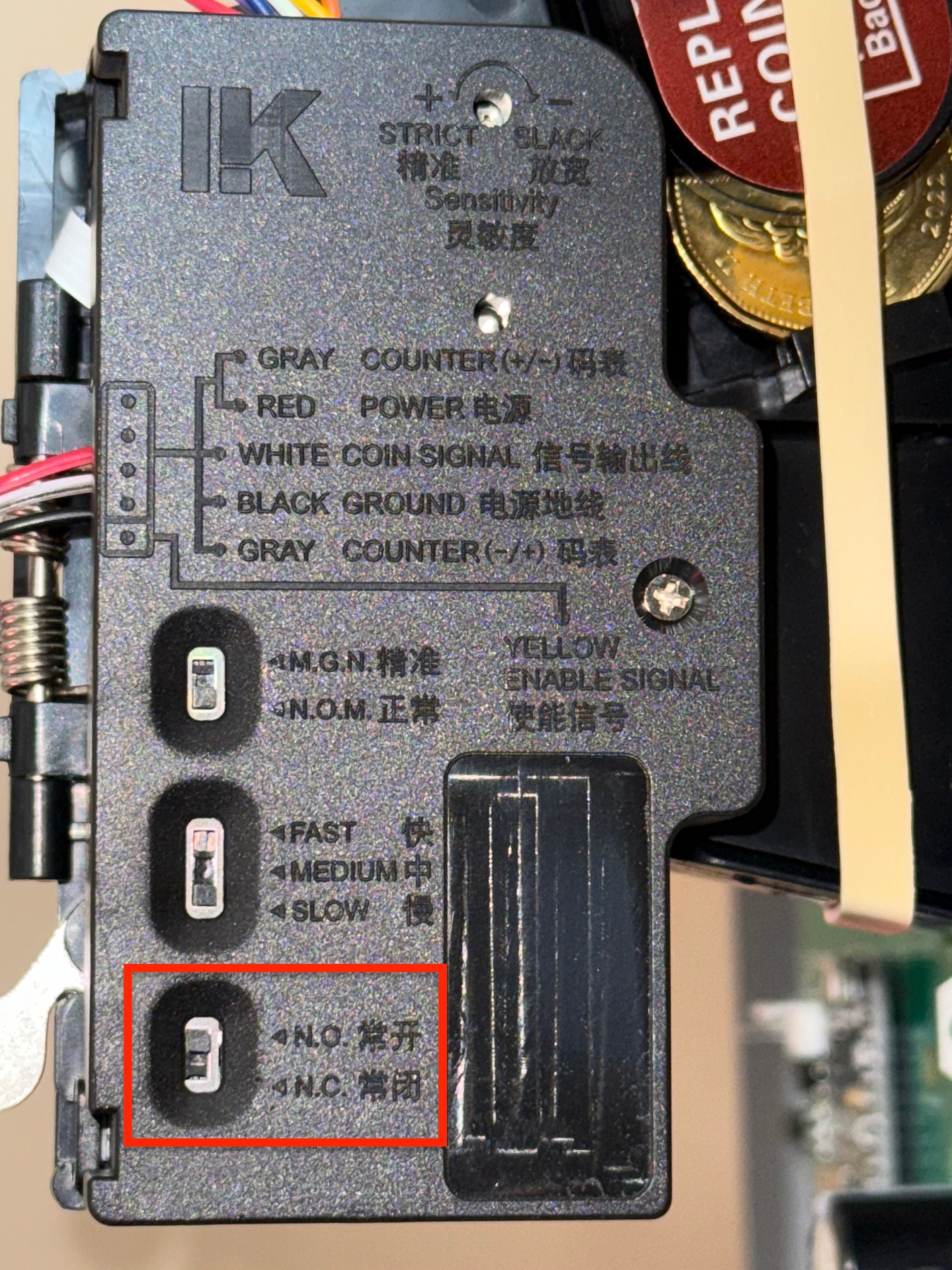
Switch Positions:
N.O. - means Normally Open
N.C. - means Normally Closed
NORMALLY OPEN - N.O. (Tenant Mode)
Place the dip switch on the coin acceptor into normally open position (N.O.). By doing so the user must press the button located on the front of the machine. When inserting coins in the machine the front button must be press and held down for the duration of the coin insertion. The green light on the coin acceptor will turn on and during this green light status phase it is safe to insert coins. If the green light is not being displayed any coins inserted into the machine will be return to the customer from the coin return slot. The coin return slot is located under the coin return lever.
NORMALLY CLOSED - N.C. (Landlord Mode)
The coin box can be placed in landlord mode, where no money needs to be inserted to increment timer. Landlord simply press the front button to increment timer. As the landlord presses and releases the button continuously with every press the timer will add more time on a accumulative basis. This is referred to as "Landlord Bypass Mode".
Operational Mode is explained in more details at Landlord Bypass Mode