
Support Guide
Set Combination Pad Lock
Model #653D — Change Your Combination Lock Settings
How to Change the Combination on Set-Your-Own Lock Model #653D
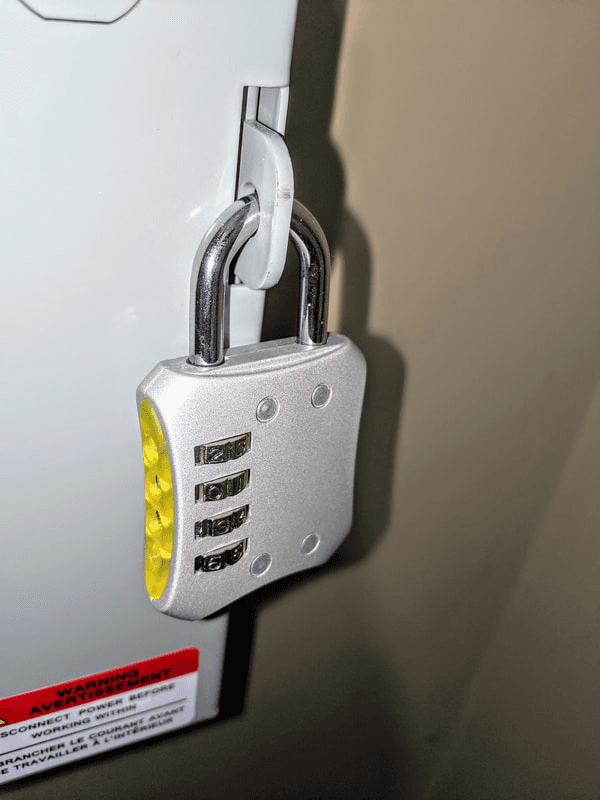
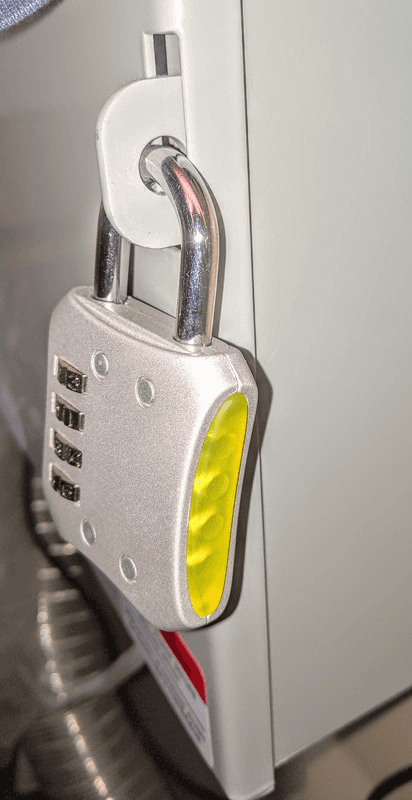
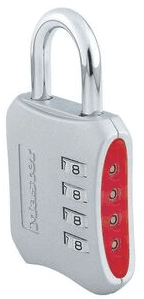
Factory Default: This lock is preset at the factory to operate at 0-0-0-0
Step-by-Step
Step-by-Step Instructions
Step 01
01
Pull Out the Shackle
With dials at 0-0-0-0, pull out the shackle
Step 02
02
Turn Counterclockwise
Turn shackle counterclockwise 90 degrees (1/4 turn)
Step 03
03
Press and Turn Again
Continue pressing shackle down and turn another 90 degrees (1/4 turn)
Step 04
04
Set Your Combination
Set the dials to your own combination
Step 05
05
Return Shackle
Turn shackle clockwise back to the original 90 degree position, lift and return shackle to closed position
Important: Be sure to record your NEW combination as you are the only one that knows it!