
Troubleshooting
Fix Bluetooth Problems: Phone ↔ Pay Box Timer
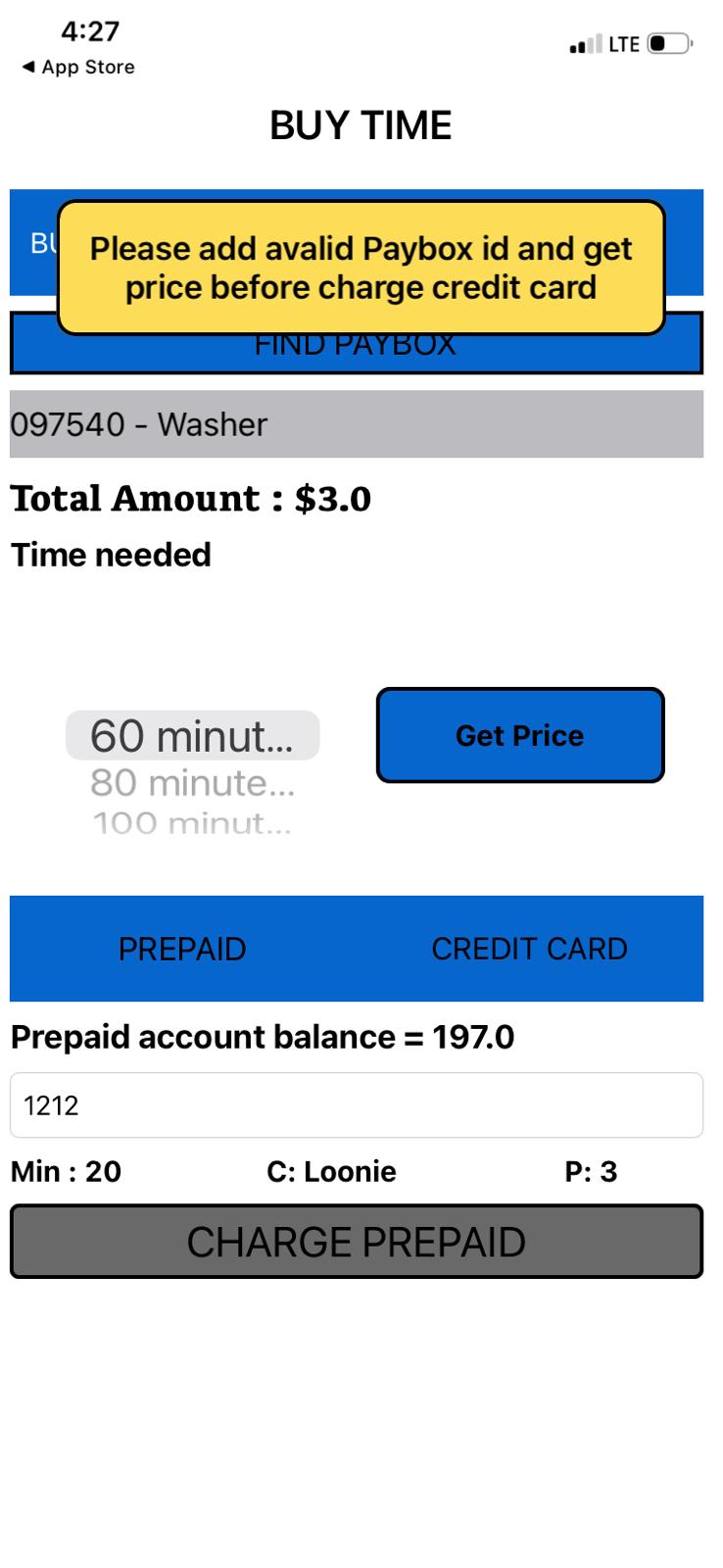
iPhone users: Try both versions of the app
There are 2 versions of the same app:
Step 1: Reset the App (Try this first)
3
Delete the Pay Box Timer app from your phone.
4
Re-install it from the App Store (or Google Play).
5
Unplug the timer box → wait a few seconds → plug it back in.
6
Open the app and try to connect.
Step 2: Timer missing in the app?
The Bluetooth might be turned off on the timer.
7
Open the timer box to see the circuit board.
8
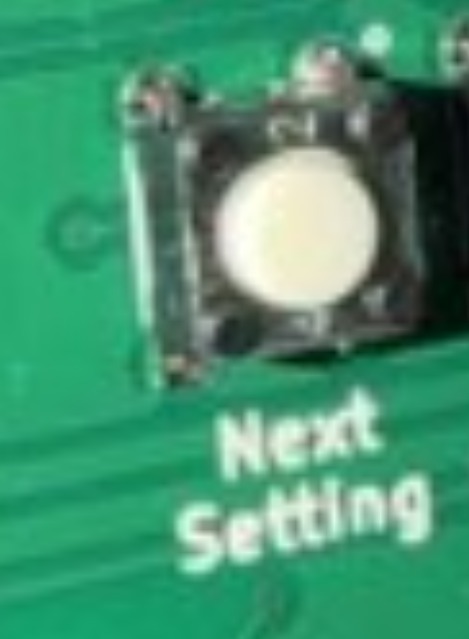
Find the Next Setting button.
9
Press it many times until the display shows "Bluetooth".
10
Press the UP or DOWN button to change it to ON.
Important:Bluetooth is now ON — the timer should appear in the app right away. Try connecting again. If still no luck, make sure your phone's Bluetooth is on and you're close to the timer.